Route Management: How Smarter Routing Saves Time and Fuel Cost
Stop coordinating pickups over the phone. Let the system handle it — routes planned, drivers briefed, staff on time.
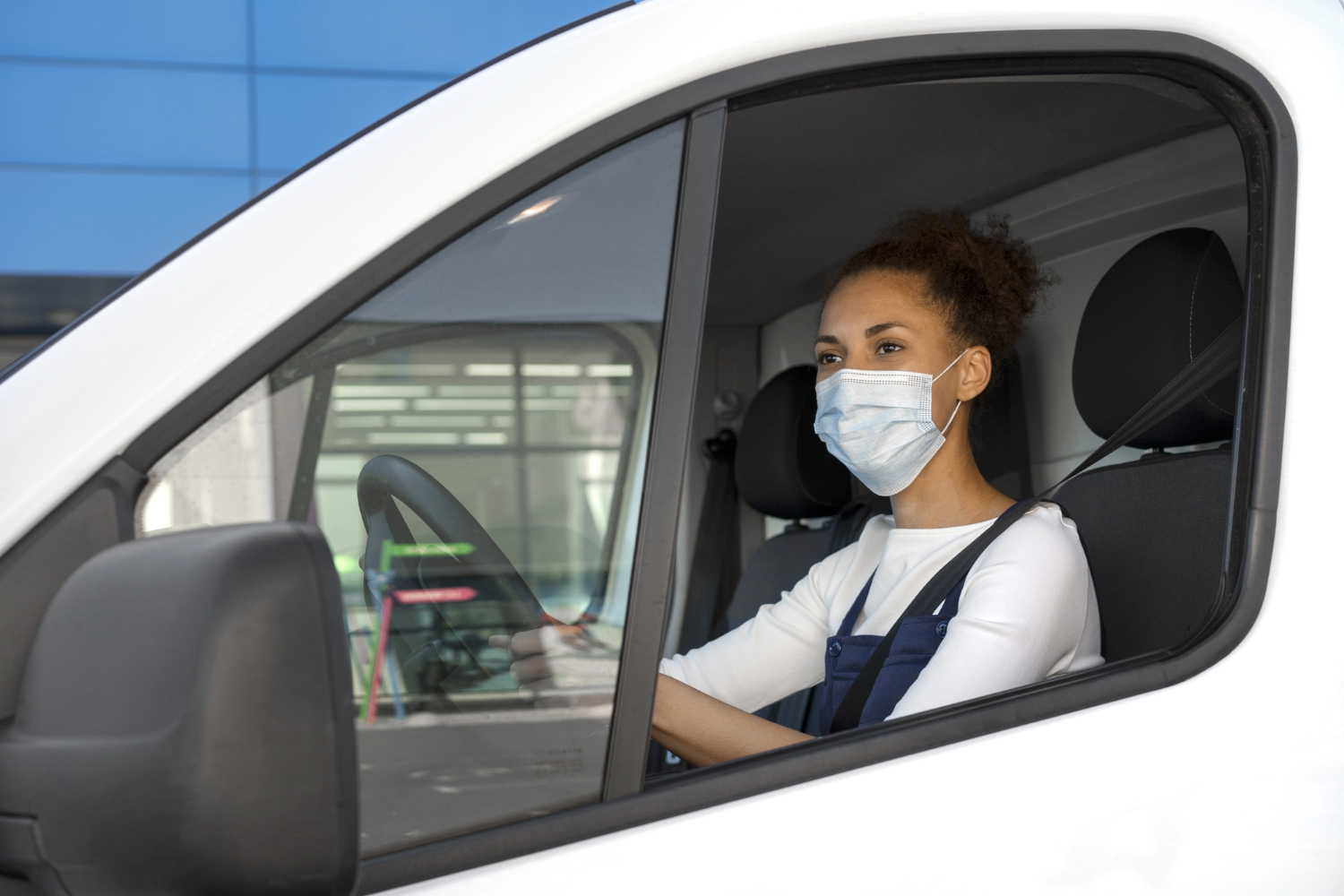
Your driver's phone rings at 7:45 a.m. It's the operations manager. "Pick up Bella first, then Anna — but actually, wait. Start with Anna because she's closer. And don't forget you need to be in Salzano by 9."
Ten minutes later, the driver calls back. He missed the turn. The staff arrive late. The client notices.
This is not a driver problem. This is a process problem. And it's one that Route Management solves completely.
The Coordination Problem Nobody Talks About#
Every cleaning operation has the same invisible cost: the time spent figuring out who picks up whom, in which order, and how to get there on time.
With a small team, you manage it mentally. A few calls in the morning, a rough plan, and it mostly works.
With a growing fleet, it starts to break. Drivers are calling the office to confirm stops. Staff are waiting at the wrong location. Vehicles backtrack across the city. Fuel costs climb without explanation.
With a large operation, it becomes a daily emergency. Someone is always late. Routes overlap. And your operations manager spends the first two hours of every morning on logistics calls instead of running the business.
The answer isn't more calls. It's removing the need for them entirely.
What Is Route Management?#
Route Management is a smart infrastructure layer that runs silently in the background — calculating distances, optimizing stop sequences, and preparing the full route for each driver before the day begins.
It's not just a map. It's a connected system that links your schedule, your fleet, your staff pickup locations, and your mobile apps — so every driver and staff member sees exactly what the day holds before the first pickup even happens.
Once it's set up, the route builds itself. No confusion. No unnecessary calls between drivers and the operations manager.
How It Works in Practice#
All jobs for the day are already in the system — service locations, arrival times, required staff. Route Management reads this data and begins calculating.
Your vehicles carry staff to their assignments. The system accounts for each pickup stop — home addresses, staging areas, or other sites — and sequences them to minimize travel time before the first job.
Based on vehicle capacity, job times, and pickup points, the system generates the optimal route for each driver. The order of stops, estimated travel time, and arrival windows are all calculated without a single manual input.
Before the first pickup, the driver's phone already shows the full route. Each staff member knows their pickup window. Everyone is aligned — and no one needed to make a call to get there.

A Real-World Example: Pablo, Bella, and Anna#
Pablo is the driver. His vehicle holds 4 people. The day starts with two tasks.
First run — 9:00 a.m. in Salzano, Venice. Pablo needs to pick up Bella and Anna and drop them at their cleaning site in Salzano. The system identifies their locations, sequences the pickups efficiently, and ensures Pablo arrives in Salzano on time for the 9 a.m. task.
Second run — 10:00 a.m., two stops. After dropping off Bella and Anna, Pablo has a new assignment. He needs to pick up 4 staff members and get them to their site by 10:00 a.m. The route takes him through Mirano first, then on toward Fossa.
Both runs are calculated automatically. Both arrival times are met. Six cleaning tasks are covered across two time slots — and Pablo never once had to call the office to figure out the order.
The map running in the background did the thinking. Pablo just drove.
Fully Integrated with Your Mobile Apps#
Route Management doesn't live in a back-office dashboard that drivers never open. It's fully integrated with SaasTech's customized iOS and Android mobile apps — for both staff and drivers.
For drivers, the app shows the complete route for the day — each pickup, each drop-off, each arrival time. GPS navigation is built in. No switching between apps, no re-entering addresses.
For staff, they see their schedule, including when and where they'll be picked up. No uncertainty about the morning.
The result is an operation where everyone — from the driver behind the wheel to the cleaner waiting at home — knows exactly what the day looks like before it begins.
Who Is This For?#
Route Management is built for any service company that moves staff between locations.
- Cleaning companies running multiple crews across a city, with shared transport and tight arrival windows.
- Maintenance and facility services where technicians need to arrive on time at different sites throughout the day.
- Any operation where driver coordination currently depends on calls, WhatsApp messages, or verbal briefings.
If your drivers currently plan their routes in their head — or worse, over the phone — Route Management replaces that with something far more reliable.
Ready to Take the Chaos Out of Your Routes?#
Route Management is available in SaasTech, fully integrated with scheduling, staff management, and the mobile apps your team already uses.
- Set it up once and routes build automatically from your existing schedule.
- Works across all vehicle types with configurable capacity.
- Live on iOS and Android so drivers and staff stay informed in real time.
Related Articles

Zone-Based Transportation Fees: Stop Losing Money on Every Distant Job
Automatically charge the right travel fee based on where the job is — so fuel costs never catch you off guard again, and no order ever leaves your margin in the red.

Area-Based Day Assignment: Stop Planning Your Week from Scratch Every Monday
Assign specific days to specific service areas and let your operation run itself. Reduce planning time, optimize routes, and give your team a fixed weekly rhythm.

Build vs Buy: Why Cleaning Companies Shouldn't Develop Their Own Software
The hidden costs of building custom cleaning software vs using proven SaaS solutions. Learn why in-house development is a costly mistake for service businesses.